Reading Your Paycheck

Last updated: Jun 09, 2024
54
views

Hello, this article will walk you through finding and reading your paycheck through Rippling.
Q. What Is a Pay Stub?
A. Pay stub, pay slip, paycheck, all words for the same thing. When employees receive their paychecks, the pay stub outlines the details for each pay period.
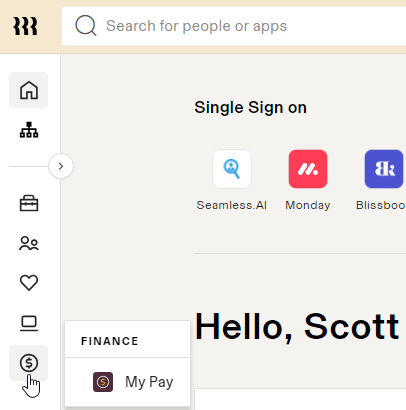
- From the Rippling dashboard, hover over the $ icon and click My Pay.
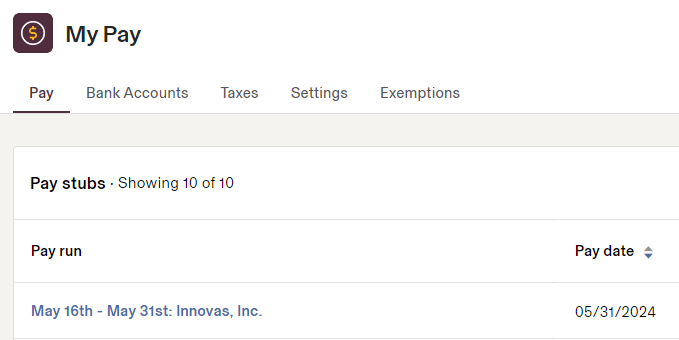
- Select a paystub from the list to inspect.
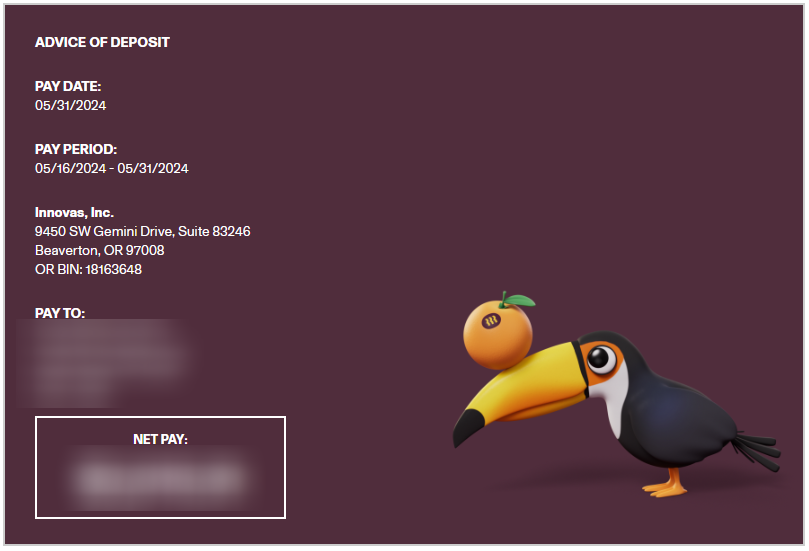
- The top area of the paystub contains general information about you, the company, and the paystub.
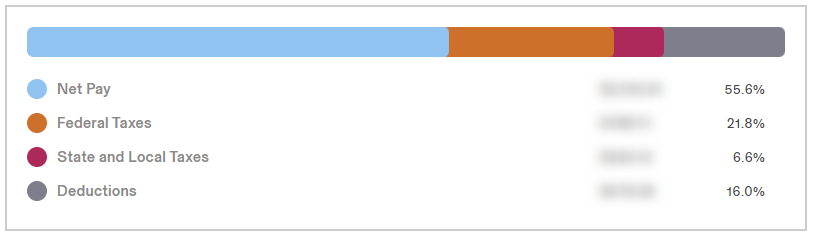
- The next section contains a breakdown of taxes and deductions.
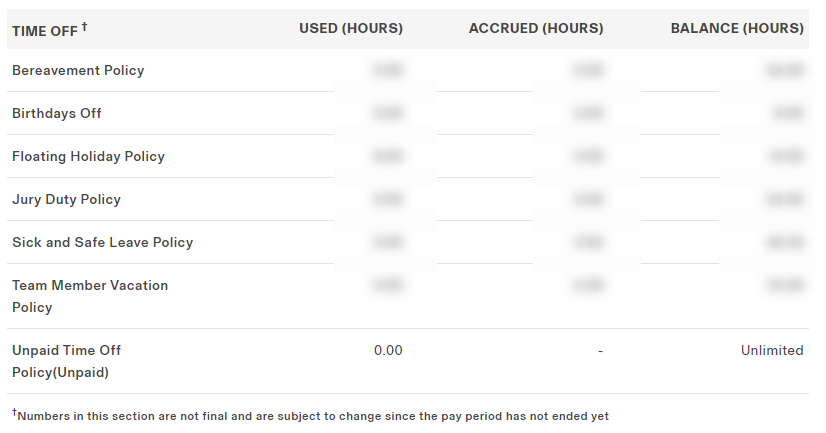
- The TIME OFF section contains a breakdown of newly accrued and total balance of hours.
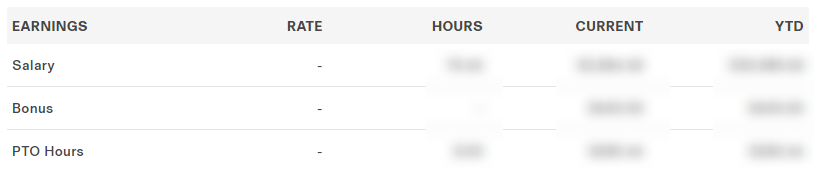
- The EARNINGS section breaks down Salary, Bonus, and PTO pay.
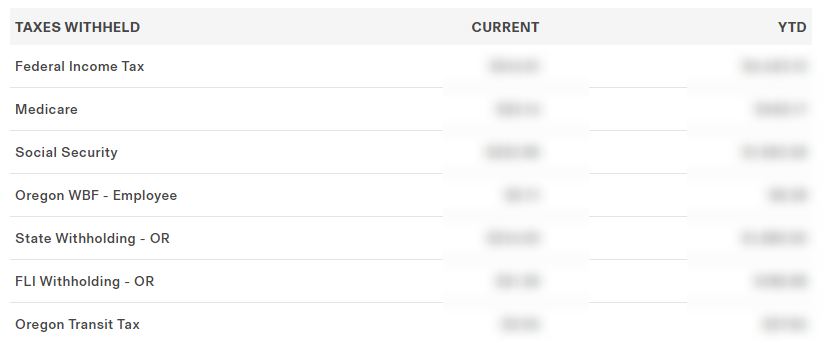
- The TAXES WITHHELD section breaks down each tax withholding for the current pay stub and the year to date (YTD).
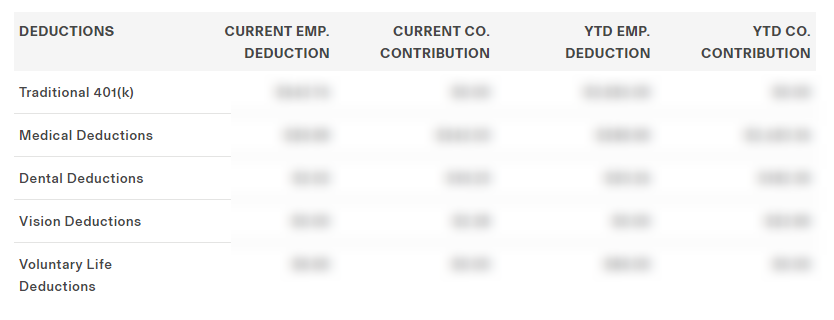
- The DEDUCTIONS section breaks down each of the voluntary deductions you have opted into, such as medical coverage.
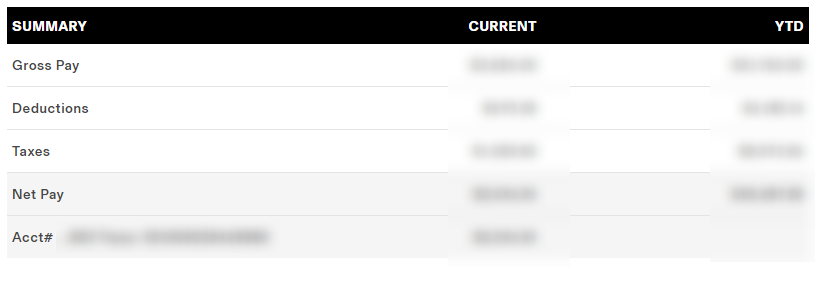
- Finally, the SUMMARY section breaks down the totals from each section and shows the final Net Pay, as well as how much pay was deposited into linked bank accounts.