Jotform: How to Save & Continue

Last updated: Jul 02, 2026
30
views

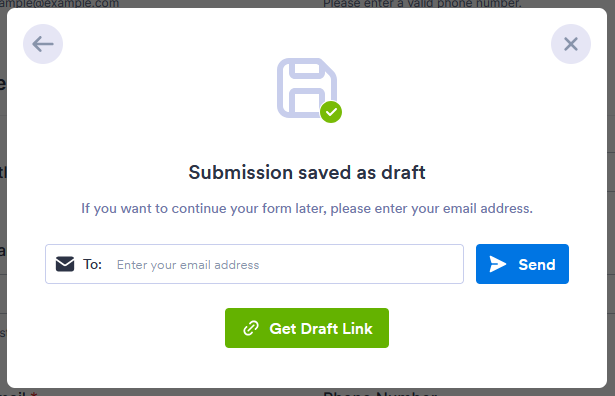
Jotform allows you to save a partially filled form and return to complete it later. Jotform achieves this by emailing you a pre-fill link that will re-open the form and fill in your saved information.
1. At the bottom of the Jotform submission page, begin by clicking on Save

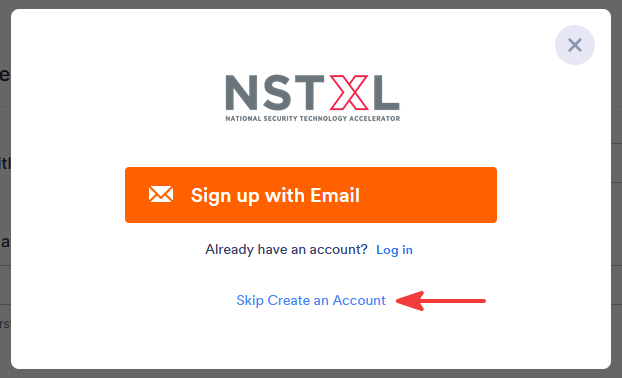
2. In the pop-up menu, select Skip Create an Account
3. Enter your email address and click Send