How to find a SharePoint site

Last updated: Aug 20, 2026
27
views

Initially after being provisioned access to a SharePoint site, it can be confusing how to locate the site. The SharePoint home page shows recently accessed and followed sites, but notably does show new sites you have been provisioned access to.
To view a list of SharePoint sites you have access to, regardless of recent activity, you can search on SharePoint for the term "contentclass:sts_site" or follow this link.
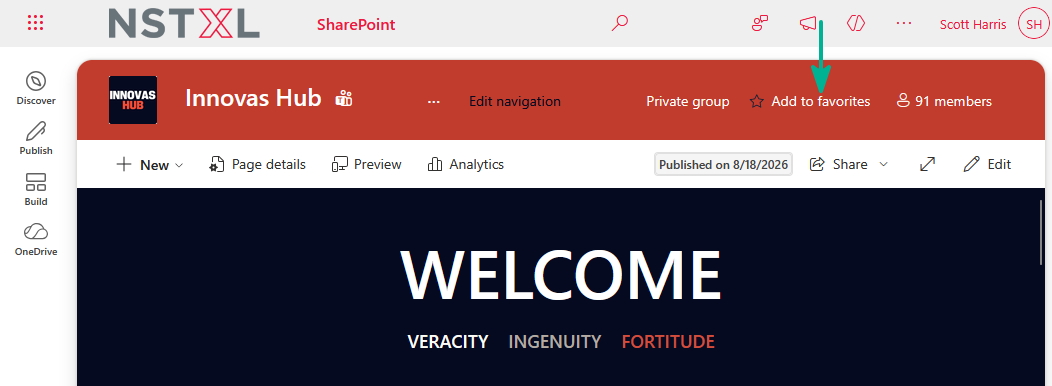
Once found, you can open the new site and click "Add to favorites" to ensure it appears on your SharePoint home page:
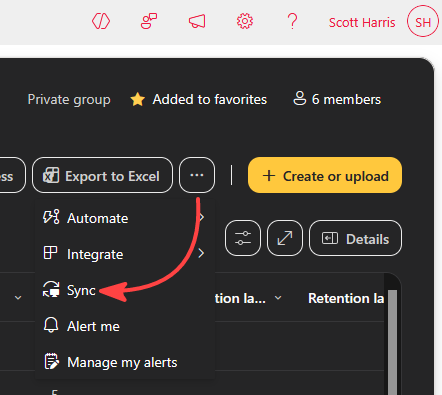
From the site Documents library, you can select Sync from within the 3-dots menu to sync the library to your laptop through OneDrive: